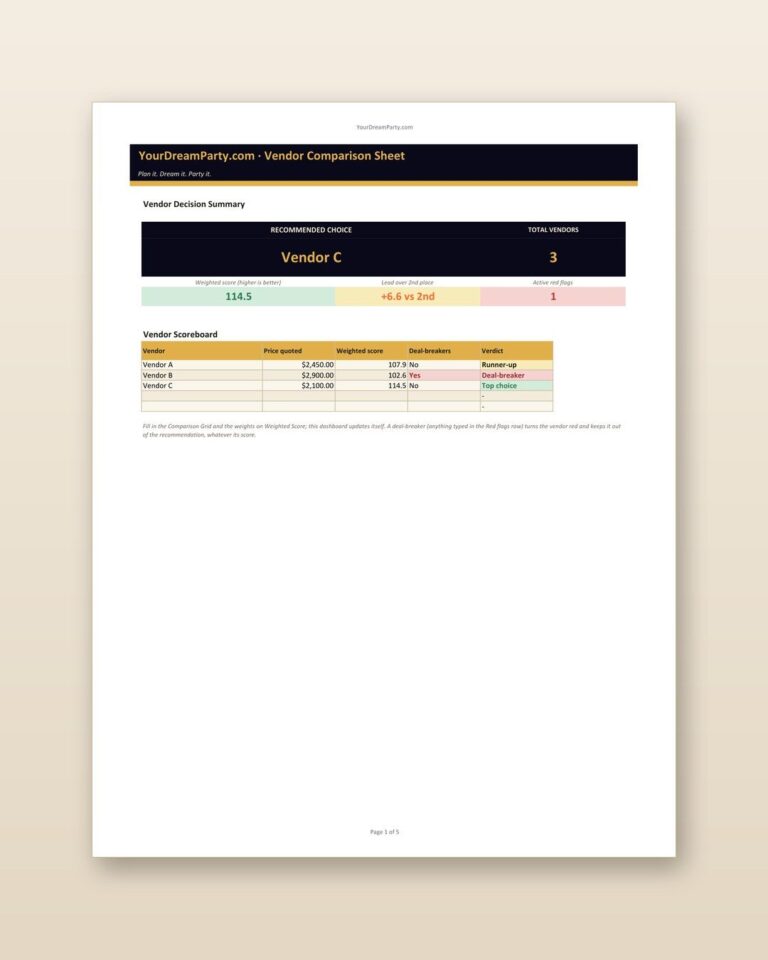
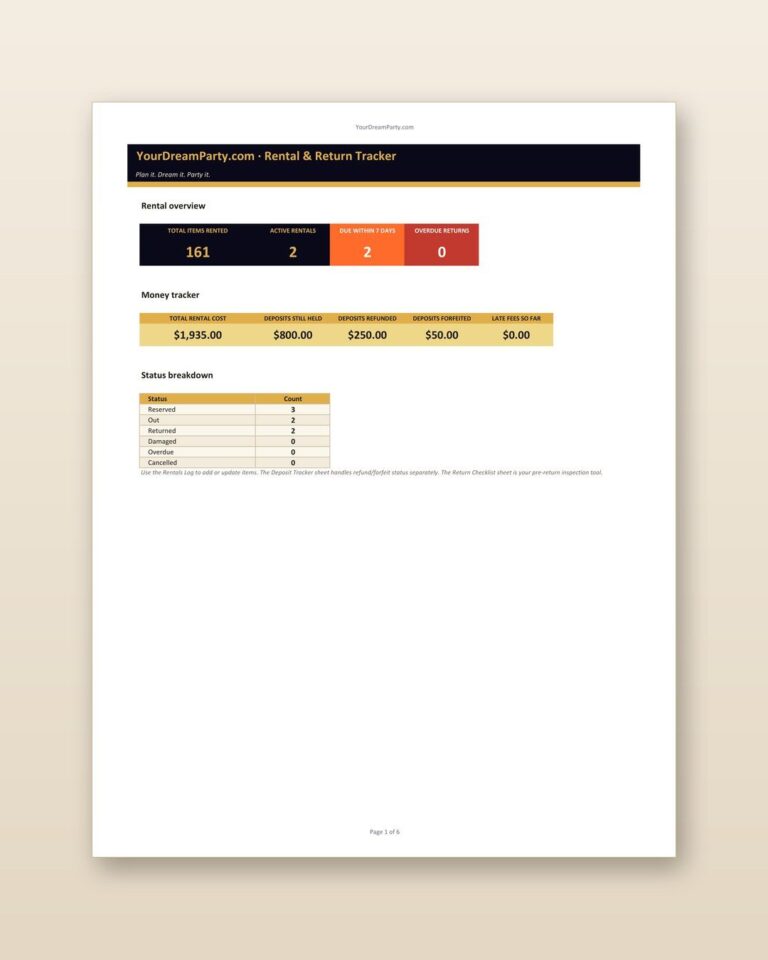
The real pages, exactly as they print.
From the print shelf
Party Playlist & Audio Cue SheetExcel Playlist Planner with Cue Points
Plan the music phase by phase, from arrival to wind-down, and see which phase runs long or short. Cue Points keep the cake, the first dance and the last song on time.
Excel · 5 sheetsUS Letter + A4
One price, yours for good$7.00
Get the printable
- Instant download on Payhip
- US Letter and A4 in one download
- Share it with your co-planners
What lands on your desk
- Playlist Builder for 120 songs across 6 phases
- Start time, length, BPM, energy and streaming link for every song
- Lengths typed as m:ss or in seconds; both are counted
- Dashboard: total runtime, song count and average BPM
- Runtime per phase against your targets: Short, On target or Long
- Energy table and chart, phase by phase
- Cue Points with countdowns for cake, first dance, games and last song
- Prints on US Letter
- Start Here tab and a one-page Quick Start PDF: five first steps and where to type
- Made for Excel, works in Google Sheets; Apple Numbers can't run some of its formulas
About this printable
Music sets the pace of a party. The dance floor empties when a slow song lands at the wrong moment, and the cake comes out in silence when nobody knew it was next.
The Playlist Builder holds 120 songs. For each one, add the start time, title, artist, length, BPM, energy (Low, Mid or High) and a link on any streaming service, and file it under one of 6 phases: Arrival, Dinner, Games, Cake, Dance or Wind-Down. Type lengths the way your music app shows them, as 3:45 or as 225 seconds.
The Dashboard adds it up: total runtime, number of songs and average BPM, then the runtime of each phase against a target you set, marked Short, On target or Long. An energy table and chart compare each phase with the energy it should have, so you can spot a flat dinner set or a dance block that starts too slow.
Cue Points lists the moments that have to land, such as the cake, the first dance, the games and the last song, with a countdown to each one on the day and notes for volume or lighting. Print it on US Letter for whoever runs the music. It opens on a Start Here tab with five first steps and a marked picture of where to type, and a one-page Quick Start PDF comes with it. Made for Excel, works in Google Sheets; Apple Numbers can't run some of its formulas.
Pairs with a free tool
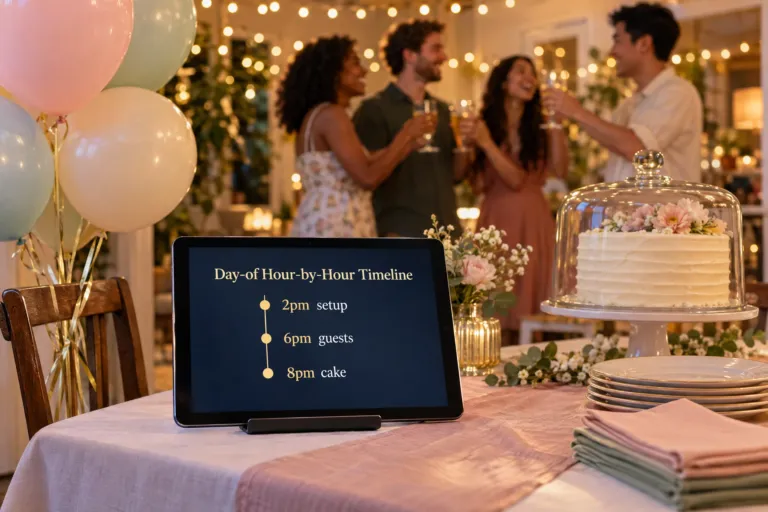
Day-of Hour-by-Hour Timeline
Free, no sign-up. Start in the tool, then print this to carry the plan to the table.
Open the tool
Before you buy
How do I get it?
Checkout runs on Payhip. The download appears right after payment, and Payhip emails you the link as well.
What do I open it with?
Microsoft Excel, or Google Sheets free in any browser. It opens on a Start Here tab with five first steps and comes with a one-page Quick Start PDF: type where they show you, and the formulas work out the rest. No macros. Apple Numbers drops the dropdown lists and can't run some of its formulas, so on a Mac use Google Sheets or Excel for the web (both free).
Which paper size is it?
Both. The download holds a US edition that prints on Letter and a UK edition that prints on A4.
Can I share it with my co-host?
Yes. Share it with the people planning the party with you. Reselling it or passing it on as your own is not allowed.
Something else? Ask us. A person answers.
The rest of the shelf is one door away.
Planners, game kits and style guides: every sheet priced once and yours for good.
Browse all printables