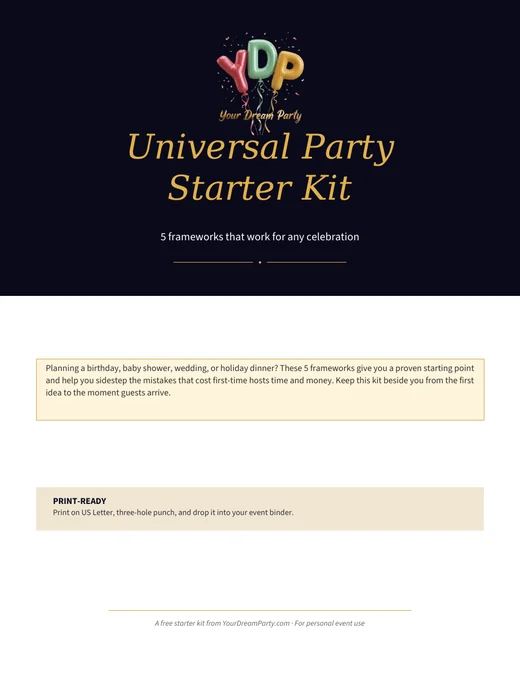
The real pages, exactly as they print.
From the print shelf
Party Photo Shot ListExcel Shot List for Your Photographer
The shot list to hand your photographer, or to run yourself: key moments by phase, group shots with timings, detail shots and caption templates for posting afterwards.
Excel · 7 sheetsUS Letter + A4
One price, yours for good$7.00
Get the printable
- Instant download on Payhip
- US Letter and A4 in one download
- Share it with your co-planners
What lands on your desk
- Key Shots: 31 moments across 7 phases, from setup to send-off
- Group Shots schedule with backdrops, minutes per group and a total
- Detail Shots: 22 close-ups of decor, food, favors and signage
- Social Captions: 3 styles for each of 8 shot types
- Status per shot (Todo, Got, Missed, Skip) and a photographer column
- Dashboard with a completion score that leaves out skipped shots
- Shot sheets print on half-letter, clipboard size
- Start Here tab and a one-page Quick Start PDF: five first steps and where to type
- Made for Excel, works in Google Sheets; Apple Numbers can't run some of its formulas
About this printable
The photos you miss are the ones you remember five minutes after the photographer leaves: the cake table before anyone touched it, three generations in one frame, the centerpiece a friend made by hand.
Key Shots lists 31 moments across 7 phases, from the empty room before guests arrive to the send-off, each with a time estimate, a photographer and a status (Todo, Got, Missed or Skip). Group Shots works as a shooting schedule: who is in each group, the backdrop and the minutes it takes, with a total so you know how long to set aside. Detail Shots covers 22 close-ups of decor, tablescapes, food, favors, signage and personal touches.
Social Captions gives 3 caption styles (Instagram, Pinterest and Facebook) for each of 8 shot types, and every key and detail shot is tagged with the template that fits. The Dashboard counts captured, pending and missed shots, with a completion score that leaves out the ones you skipped.
The shot sheets print on half-letter paper, small enough for a clipboard or a pocket; the caption sheet prints on US Letter. It opens on a Start Here tab with five first steps and a marked picture of where to type, and a one-page Quick Start PDF comes with it. Made for Excel, works in Google Sheets; Apple Numbers can't run some of its formulas.
Pairs with a free tool
Photo Booth & Event Space Builder
Free, no sign-up. Start in the tool, then print this to carry the plan to the table.
Open the tool

Before you buy
How do I get it?
Checkout runs on Payhip. The download appears right after payment, and Payhip emails you the link as well.
What do I open it with?
Microsoft Excel, or Google Sheets free in any browser. It opens on a Start Here tab with five first steps and comes with a one-page Quick Start PDF: type where they show you, and the formulas work out the rest. No macros. Apple Numbers drops the dropdown lists and can't run some of its formulas, so on a Mac use Google Sheets or Excel for the web (both free).
Which paper size is it?
Both. The download holds a US edition that prints on Letter and a UK edition that prints on A4.
Can I share it with my co-host?
Yes. Share it with the people planning the party with you. Reselling it or passing it on as your own is not allowed.
Something else? Ask us. A person answers.
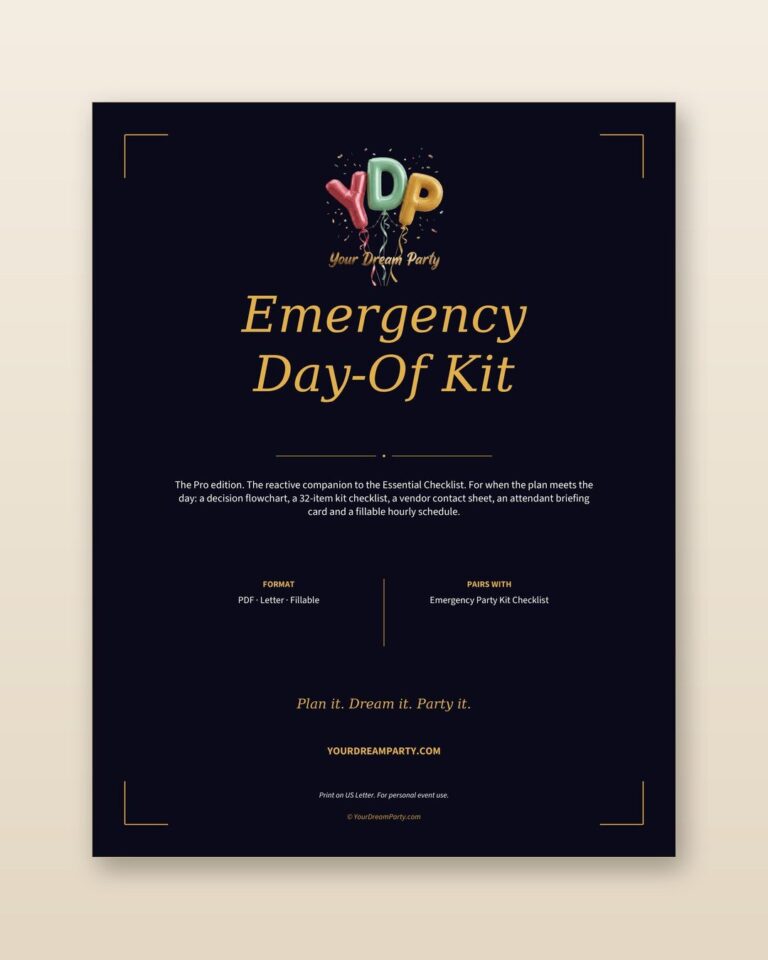
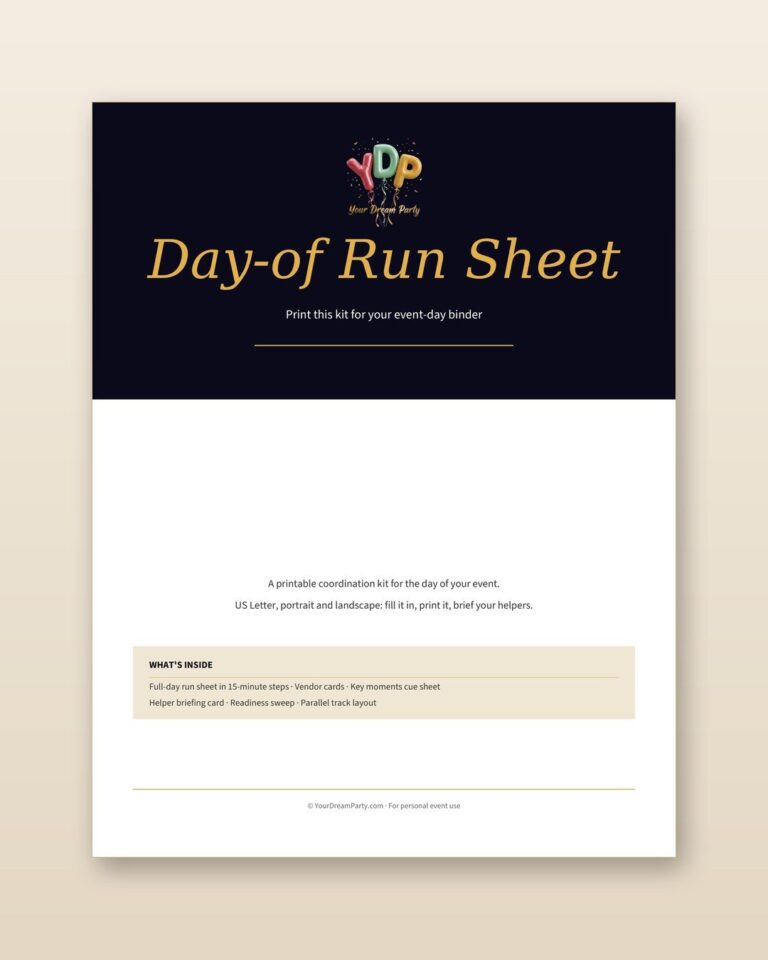
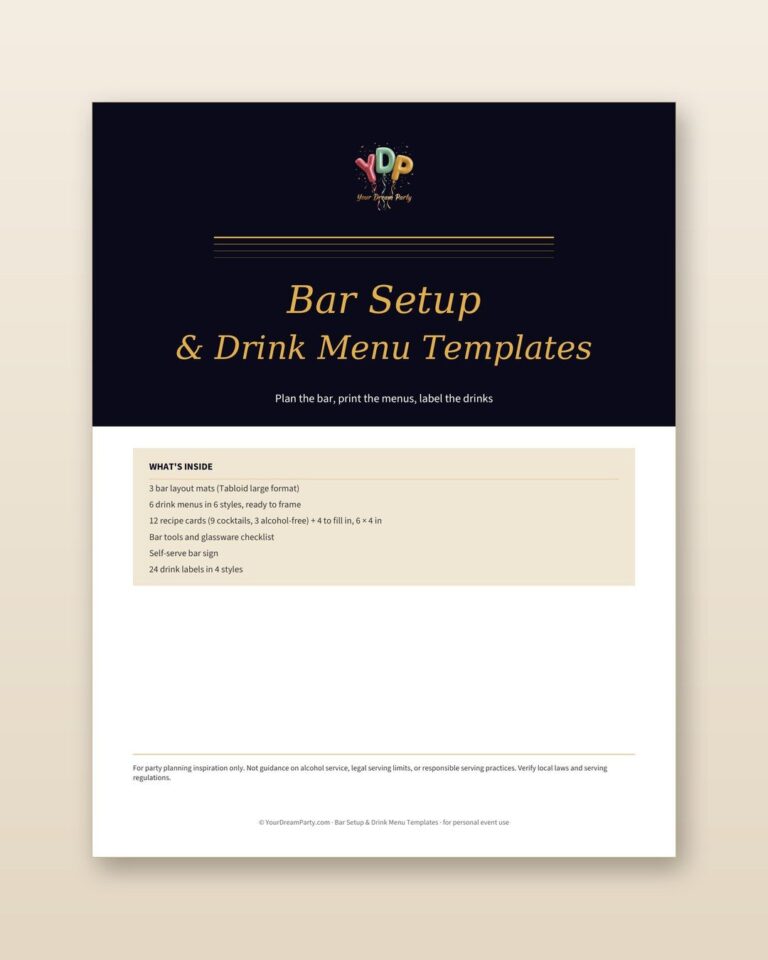
The rest of the shelf is one door away.
Planners, game kits and style guides: every sheet priced once and yours for good.
Browse all printables