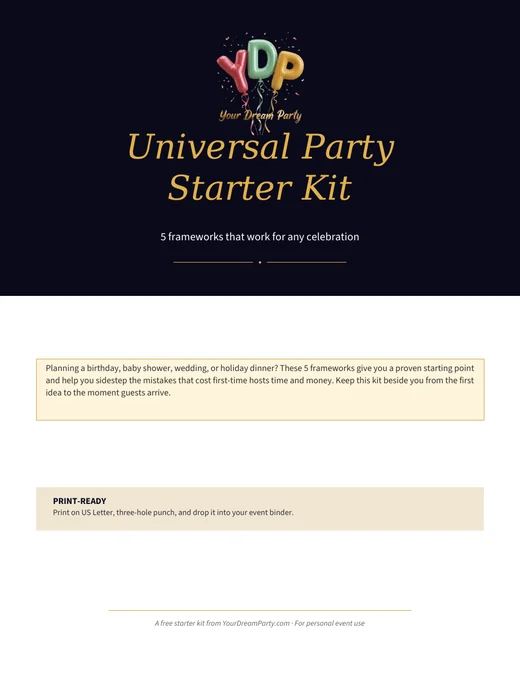
The real pages, exactly as they print.
From the print shelf
Rental & Return TrackerExcel Tracker for Party Rentals and Deposits
Track every rented table, chair, linen and tent from pickup to return, with warnings before a return is late. Deposits held, refunded and forfeited add up on their own.
Excel · 6 sheetsUS Letter + A4
One price, yours for good$7.00
Get the printable
- Instant download on Payhip
- US Letter and A4 in one download
- Share it with your co-planners
What lands on your desk
- Rentals Log for 32 items, with room for 10 more
- Statuses: Reserved, Out, Returned, Damaged, Cancelled
- Return countdown with warnings at 7, 3 and 1 days, then overdue
- Late fees worked out from each vendor's daily rate
- Deposit Tracker: Held, Refunded, Forfeited or Partial, with totals
- Return Checklist with inspection, photo and sign-off columns
- Dashboard: active rentals, returns due this week, overdue items, late fees
- Prints on US Letter
- Start Here tab and a one-page Quick Start PDF: five first steps and where to type
- Made for Excel, works in Google Sheets; Apple Numbers can't run some of its formulas
About this printable
Rentals are quick to book and expensive to get wrong. A tablecloth comes back stained, the projector goes back a day late, a chair goes missing between the venue and the van, and the deposit goes with it.
The Rentals Log tracks up to 32 items, with room for 10 more: vendor, pickup and return dates, quantity, deposit, rental cost, damage waiver, status and the vendor's late fee per day. Set an item to Out when you collect it and the countdown starts: soft yellow at 7 days, amber at 3, red at 1 and deep red once it is overdue. Late fees add up automatically after the return date.
The Deposit Tracker logs every deposit as Held, Refunded, Forfeited or Partial and keeps running totals of what is still held, what came back and what was lost. On return day, the Return Checklist takes you through an inspection item by item, with photo and sign-off columns: a written record if a vendor disputes damage later.
The Dashboard shows items rented, active rentals, returns due within 7 days, overdue returns and late fees. Example rows (tables, chairs, linens, glassware, a tent, a projector, a photo booth) show how it works; type over them. Prints on US Letter. It opens on a Start Here tab with five first steps and a marked picture of where to type, and a one-page Quick Start PDF comes with it. Made for Excel, works in Google Sheets; Apple Numbers can't run some of its formulas.
Pairs with a free tool
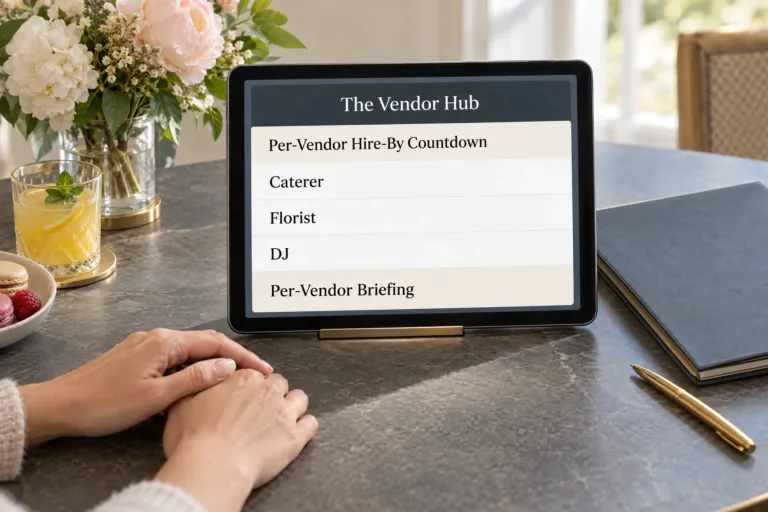
Vendor Hub
Free, no sign-up. Start in the tool, then print this to carry the plan to the table.
Open the tool
Before you buy
How do I get it?
Checkout runs on Payhip. The download appears right after payment, and Payhip emails you the link as well.
What do I open it with?
Microsoft Excel, or Google Sheets free in any browser. It opens on a Start Here tab with five first steps and comes with a one-page Quick Start PDF: type where they show you, and the formulas work out the rest. No macros. Apple Numbers drops the dropdown lists and can't run some of its formulas, so on a Mac use Google Sheets or Excel for the web (both free).
Which paper size is it?
Both. The download holds a US edition that prints on Letter and a UK edition that prints on A4.
Can I share it with my co-host?
Yes. Share it with the people planning the party with you. Reselling it or passing it on as your own is not allowed.
Something else? Ask us. A person answers.
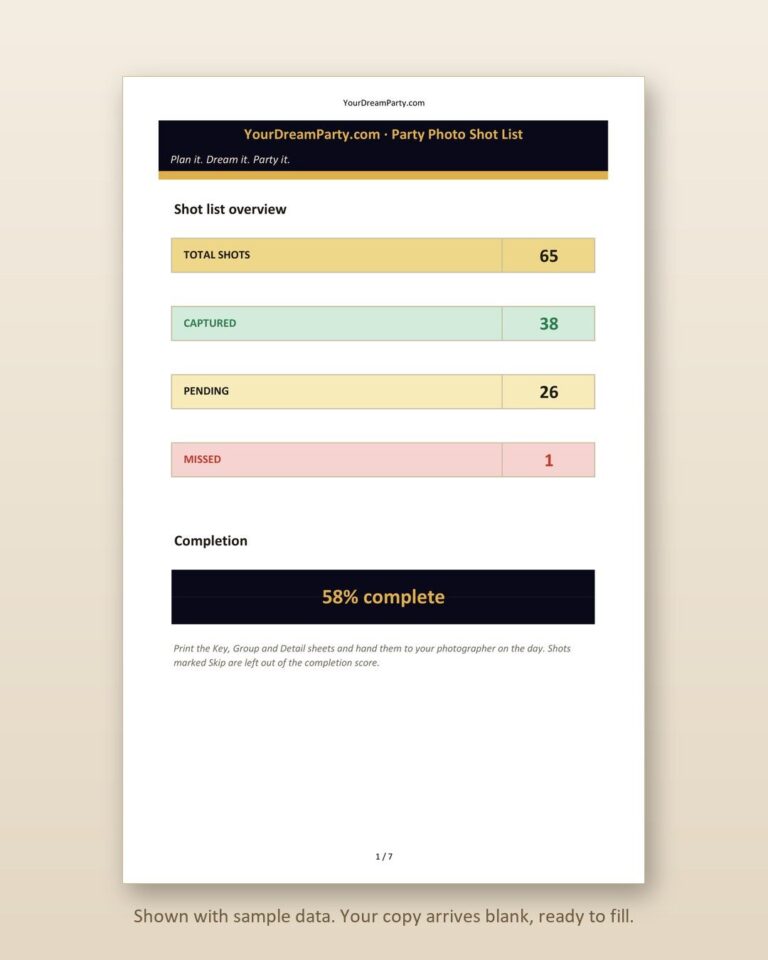
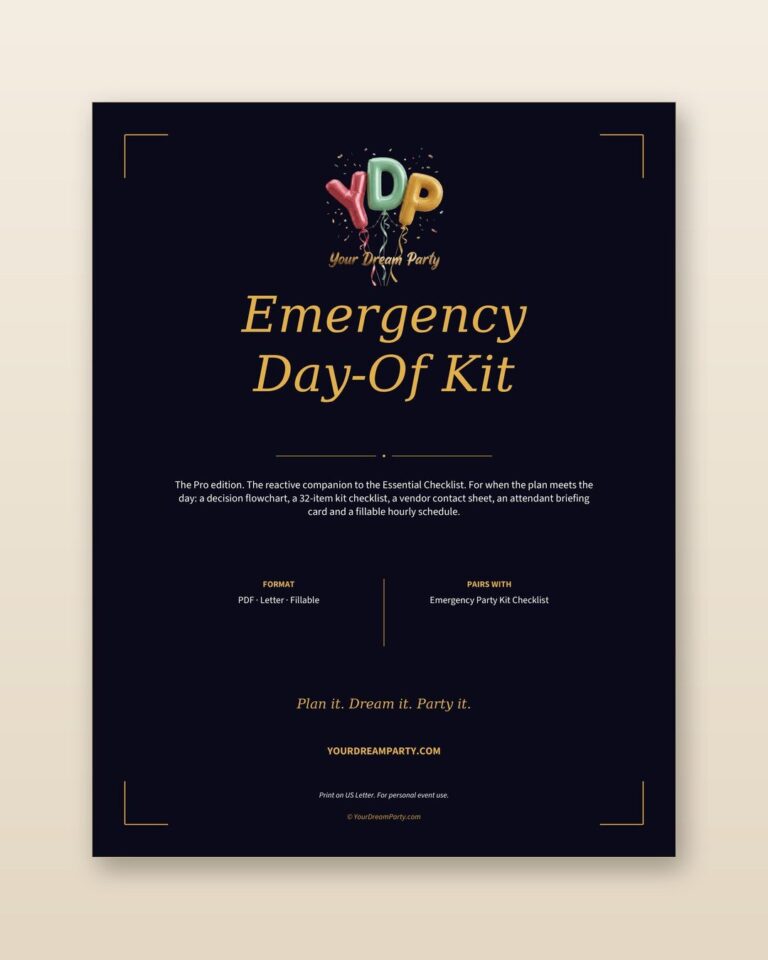
The rest of the shelf is one door away.
Planners, game kits and style guides: every sheet priced once and yours for good.
Browse all printables