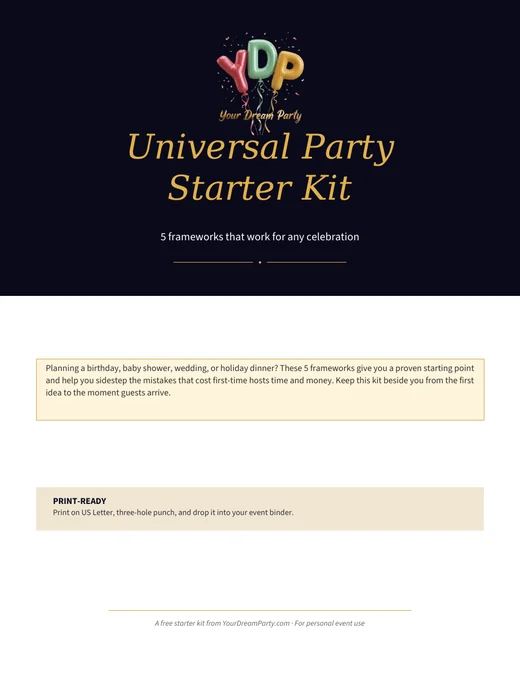
The real pages, exactly as they print.
From the print shelf
Party Shopping ManifestExcel Shopping List with Store Splits
One shopping list for the whole party, split by store, with estimated and actual costs. The Dashboard checks your projected spend against your budget before you shop.
Excel · 6 sheetsUS Letter + A4
One price, yours for good$7.00
Get the printable
- Instant download on Payhip
- US Letter and A4 in one download
- Share it with your co-planners
What lands on your desk
- Shopping List with 100 rows, 7 categories and 4 store types
- Estimated and actual cost per line, with a Todo / Got / Skip status
- Starts with common party items you can edit or delete
- Dashboard: budget, actual spend, projected spend and an over-budget warning
- Store Splits: totals per store and a suggested shopping order
- Day-Of Checklist: morning, afternoon and the last 90 minutes
- Prints on US Letter; list landscape, header on every page
- Start Here tab and a one-page Quick Start PDF: five first steps and where to type
- Made for Excel, works in Google Sheets; Apple Numbers opens it without the dropdowns
About this printable
Party shopping happens in four places at once: an online basket, a bulk run to the warehouse store, the local shops and the dash for whatever is missing on the day. Without one list, you buy some things twice and forget the ice.
The Shopping List holds 100 items, each with a category (Decor, Tableware, Food, Drinks, Activities, Favors or Last-Minute), quantity, store, estimated cost, the price you paid and a status: Todo, Got or Skip. It starts filled with common party items; change, re-cost or delete them to suit your party.
Set your budget ceiling and the Dashboard does the math: estimated total, actual spend and projected spend, which counts what you paid for the items you have plus the estimate for everything still to buy. If the projection goes over budget, the difference turns red. Store Splits totals each store and suggests a shopping order with the fewest trips.
For the day itself, the Day-Of Checklist runs from the morning pickups to a cut-off 90 minutes before guests arrive. The list prints US Letter landscape with the header on every page; filter it to Todo first and you carry only what is left to buy. It opens on a Start Here tab with five first steps and a marked picture of where to type, and a one-page Quick Start PDF comes with it. Made for Excel, works in Google Sheets; Apple Numbers opens it without the dropdowns.
Pairs with a free tool
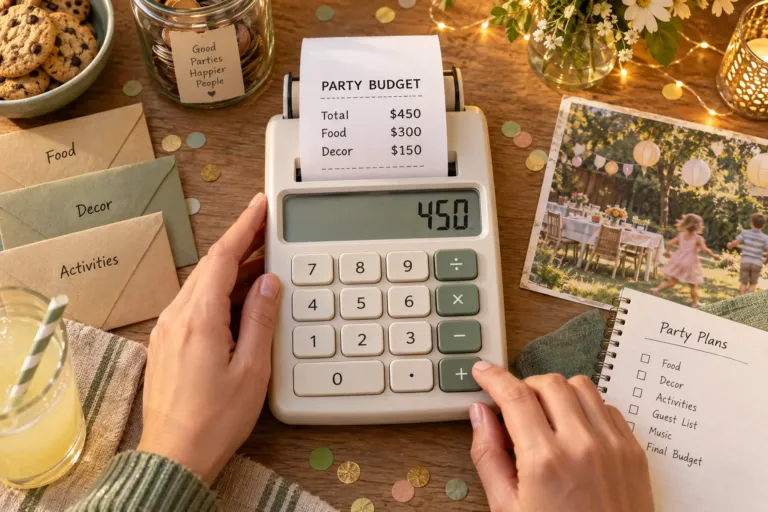
Party Budget Calculator
Free, no sign-up. Start in the tool, then print this to carry the plan to the table.
Open the tool
Before you buy
How do I get it?
Checkout runs on Payhip. The download appears right after payment, and Payhip emails you the link as well.
What do I open it with?
Microsoft Excel, or Google Sheets free in any browser. It opens on a Start Here tab with five first steps and comes with a one-page Quick Start PDF: type where they show you, and the formulas work out the rest. No macros. Apple Numbers opens it without the dropdown lists; on a Mac, Google Sheets or Excel for the web (both free) give you all of it.
Which paper size is it?
Both. The download holds a US edition that prints on Letter and a UK edition that prints on A4.
Can I share it with my co-host?
Yes. Share it with the people planning the party with you. Reselling it or passing it on as your own is not allowed.
Something else? Ask us. A person answers.
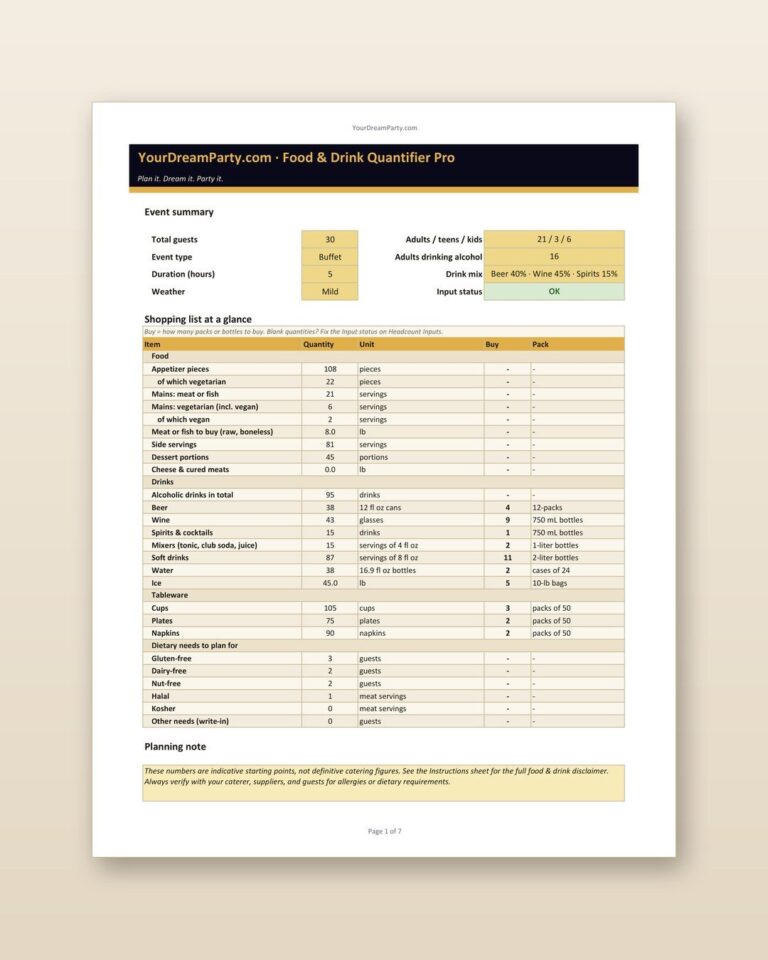
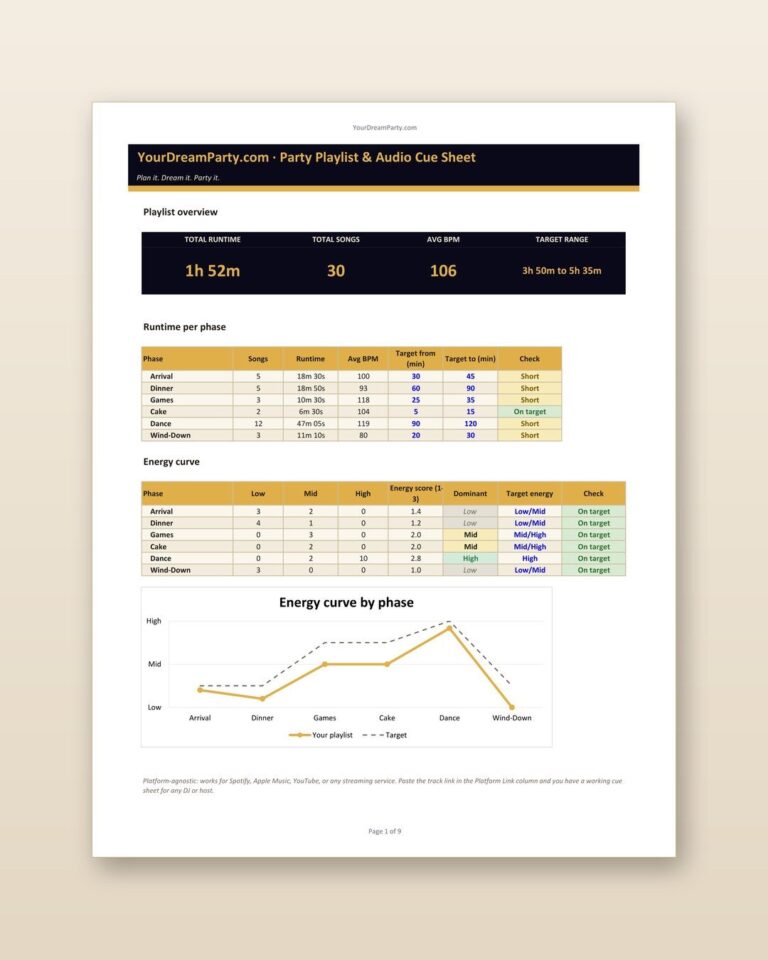
The rest of the shelf is one door away.
Planners, game kits and style guides: every sheet priced once and yours for good.
Browse all printables